Instagram Account Recovery: What to Do If You Don't Receive Your Security Code

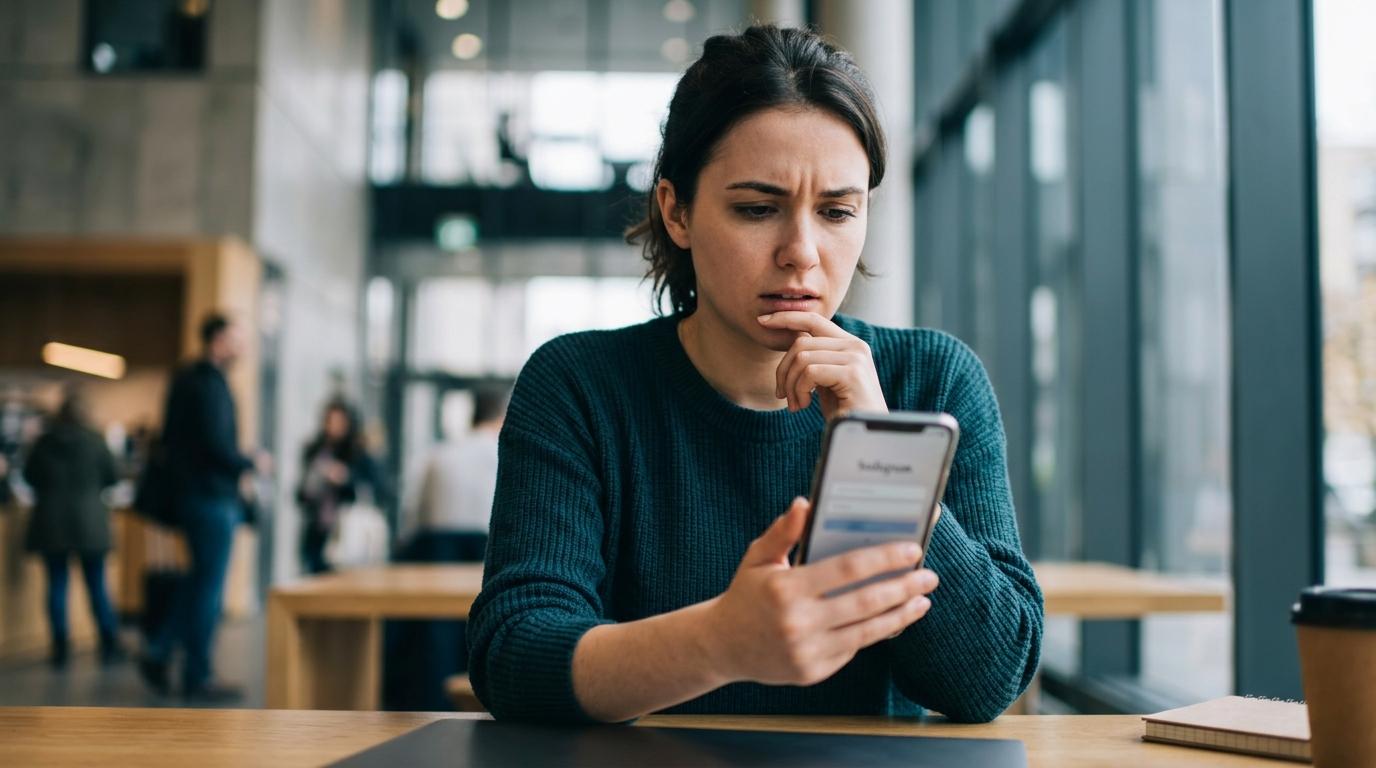
Instagram Account Recovery: Solutions When You Can't Get Your Security Code
For users struggling with inaccessible Instagram accounts, this guide offers detailed procedures and countermeasures to try when you can't receive the 'security code' – essential for account recovery after password loss or hacking. It presents practical methods to resolve your predicament and regain access to your account.
Key Issues in Instagram Account Recovery and Reasons for Not Receiving Security Codes
Examining the problems users face during Instagram account recovery reveals that account access can become difficult for various reasons. Critically, not receiving the security code, a mandatory step for identity verification, is a primary cause for failed recovery attempts. In such situations, accurate information and swift action are key to reclaiming your account.
Users require Instagram account recovery in several common scenarios. The most frequent is forgetting a password or setting a complex one that's hard to remember. More serious situations involve malicious actors hijacking accounts and changing passwords or login details through hacking. Immediate recovery measures are essential in these cases.
Another frequent issue is when the email address or phone number used to register the account is no longer valid, making it impossible to reset passwords or receive security codes. This happens when contact information changes but isn't updated with Instagram. Account access can also be blocked when users lose the device needed for two-factor authentication (2FA) codes or misplace backup codes after setting up 2FA.
It's crucial to identify the main reasons and problems behind not receiving security codes. For account security, Instagram sends verification codes via registered email, phone number, or authenticator app during password resets or logins. However, various circumstances can prevent these codes from being received, leading to indefinite delays in recovery attempts.
Common causes include typos in the email address or phone number entered during account creation, or changes to these details that weren't properly updated in Instagram. Codes are sent to contact information the user no longer accesses. Occasionally, security codes may be filtered into email 'spam' or 'promotional' folders, or specific numbers/email addresses might be blocked by your carrier or email service. Rarely, temporary delays in SMS delivery from mobile carriers, network instability, or temporary Instagram server issues can prevent timely code arrival. In some cases, account recovery procedures themselves may be hampered if the account is temporarily restricted due to detected abnormal activity.
Step-by-Step Account Recovery Procedures You Can Try Without a Security Code
Even when unable to follow Instagram's standard procedures due to not receiving a security code, there are realistic methods to increase your chances of account recovery. Follow these steps systematically:
First, perform basic checks and initial troubleshooting. Ensure the security code genuinely hasn't arrived, rather than simply overlooking it. Emails from Instagram can often land in 'spam,' 'promotional,' or 'junk' folders. Thoroughly check these alongside your inbox. Similarly, SMS messages might be caught by your carrier's spam filter or categorized as 'promotional.'
It's also vital to double-check the accuracy of account information (username, email, phone number) entered for recovery. A single typo can make a critical difference. The information you enter for a password reset must precisely match the details registered to your account for a code to be sent correctly. Confirm if you're using your current, accessible email or phone number, or if you're inadvertently trying to use old, inaccessible contact details. Finally, rule out temporary issues with your current device or network environment. Try using a different smartphone or PC, or switch between Wi-Fi and mobile data (LTE/5G) when re-requesting the code.
If basic measures don't work, utilize alternative recovery paths through 'Help.' Instagram anticipates situations where users can't receive security codes and provides alternative recovery channels. Clicking 'Forgot password?' or 'Get login help' on the login screen starts the recovery process. Here, you can request a code by entering your username, email, or phone number. If the code still doesn't arrive, select the 'More help' or 'Can't access your account?' option presented on that screen.
Choosing the 'Can't access your account?' option triggers additional verification questions from Instagram. This process may involve details like when the account was created, accounts you followed, or photos uploaded. In some cases, you might be asked to verify your identity through a video selfie. Providing the requested information as accurately and comprehensively as possible is crucial for increasing the chances of account recovery. This resembles Instagram's past method of comprehensively reviewing user information for individual account recovery.
As a last resort, if all else fails, engage customer support channels and file reports. You can contact customer support via the 'Help' menu within the Instagram app or on the website. When contacting them, clearly explain your specific issue, such as 'security code not received,' 'suspected account hacking,' or 'login impossible,' and provide your account details (username, registered email and phone number) to request detailed assistance.
If you strongly suspect your account has been hacked, it's more effective to use the 'Report account hacking' procedure rather than the general password recovery path. Presenting evidence of account compromise through this channel may prompt direct intervention and support from the Instagram team for account recovery. As mentioned in reference [2], such situations may require persistent inquiries and re-requests, emphasizing the importance of patient and consistent communication.
Security Enhancement Measures for Recidivism Prevention After Account Recovery
Once your Instagram account is successfully recovered, it's essential to bolster your security management to prevent facing similar issues again. Immediate security enhancements are necessary post-recovery.
To strengthen security, maintaining up-to-date information and enabling two-factor authentication are paramount. The most basic step is to immediately update your registered email address or phone number within your Instagram account details whenever they change, ensuring they are always current. This information serves as the primary identity verification method during account recovery. Furthermore, you must enable two-factor authentication (2FA) to add an extra layer of security beyond your password. Using authenticator apps like Google Authenticator or Authy is more secure than SMS-based codes, and backup codes should be stored in a safe place for unforeseen circumstances.
Making regular account security checks a habit is also vital. Periodically review 'Login Activity' under the 'Security' section in your Instagram settings. This allows you to check for login attempts from unrecognized devices or unfamiliar locations and take immediate action, such as changing your password, if suspicious activity is detected. When making significant changes to your account information, such as password or contact details, promptly verify any change request emails and immediately reset your password if the change was not initiated by you, thereby strengthening your security measures.