How to Recover a Locked Instagram Account

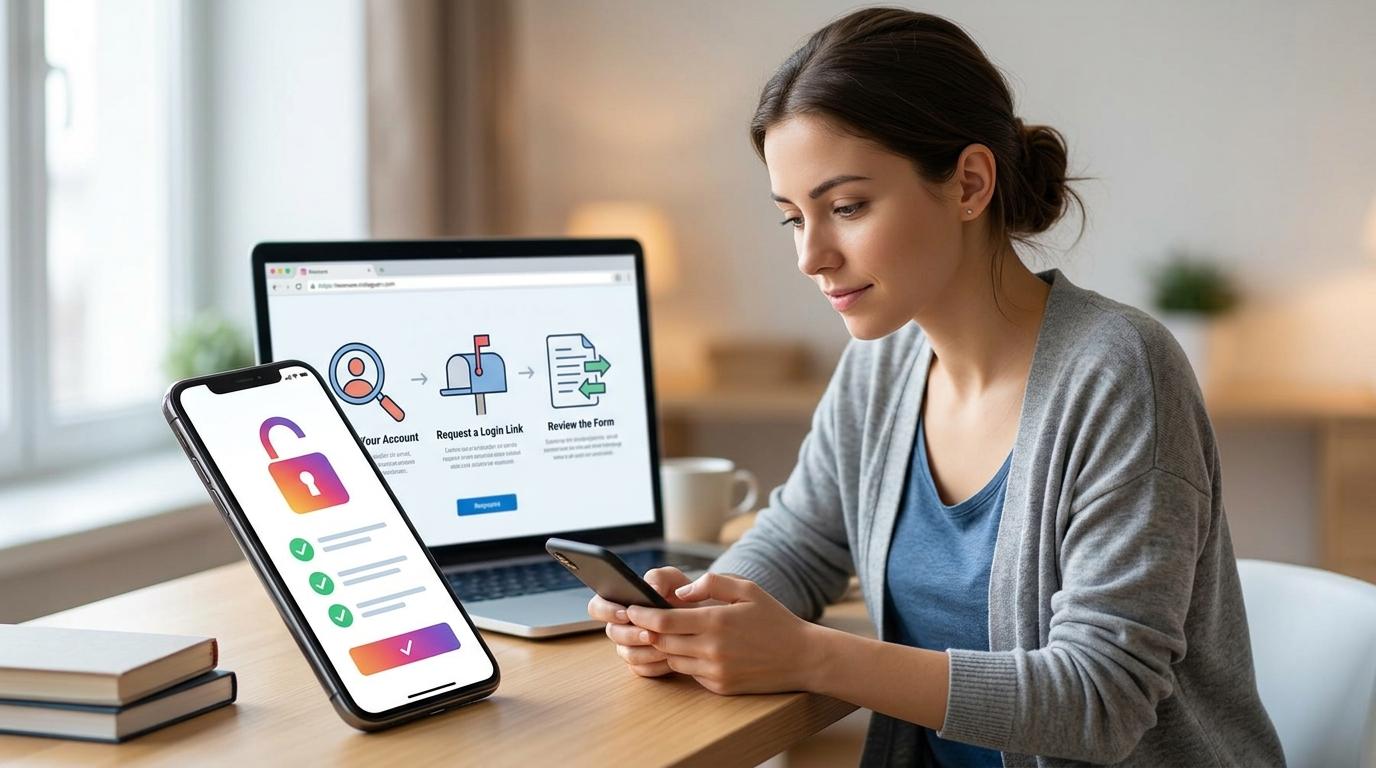
Losing access to your Instagram account, essential for the daily lives and businesses of billions of users, can happen to anyone. While facing common issues like password loss or 2-Factor Authentication (2FA) problems might feel daunting, you can regain access by following a systematic recovery process based on the latest information. This article offers detailed practical recovery methods and prevention strategies for various account lockout situations, from forgotten passwords to 2FA errors.
Instagram Account Recovery Methods and Practical Procedures by Situation
Considering the multifaceted value of an Instagram account as a precious digital asset, Instagram has evolved beyond simple photo sharing to become a core platform for personal identity, social connections, and crucial business activities. For individuals, it's a primary channel for sharing lifestyles and hobbies and communicating with friends and family. For businesses and small entrepreneurs, it's an indispensable marketing tool for product promotion, brand building, and customer relationship enhancement. Furthermore, its role is expanding as a space to join communities with shared interests and obtain useful information. Such accounts are significant assets in the digital age, and inaccessibility can lead to considerable inconvenience and loss.
Analyzing the primary causes of everyday account access issues reveals that failing to access an Instagram account occurs very frequently. The most representative cause is when users forget or lose their passwords. This often happens when an account has been used for a long time and the password was changed, or when confusion arises from managing multiple accounts. Additionally, many cases of account lockouts stem from problems encountered during the 2-Factor Authentication (2FA) process, which is set up for enhanced security. This includes situations where the registered phone number or email address for receiving authentication codes becomes inaccessible after setting up 2FA, or when the device used to receive authentication codes is lost. Other potential causes include temporary lockouts due to incorrect login information input or account suspension for violating Instagram's terms of service.
For password loss, immediate reset via email or phone number is possible. The quickest and most basic recovery method when you forget your Instagram password is to use your registered email address or phone number. Clicking the 'Forgot password?' or 'Need help logging in?' link on the Instagram login screen allows you to receive a password reset link or an authentication code to your registered email address or phone number. By following the instructions sent via email or SMS, you can set a new password and regain access to your account immediately. This process is Instagram's standard recovery procedure for the common situation most users experience. If the email doesn't arrive immediately, it's important to check your spam or junk folders.
Even when registered information is inaccessible, recovery attempts through additional verification are possible. If you can no longer access the email or phone number used for account recovery, you will need to go through an additional identity verification process. To prepare for such cases, Instagram provides 'Get Help' or 'Request Account Recovery' features. By selecting the 'Account Recovery' option at the bottom of the login screen and following the on-screen instructions, you will be asked to enter your username, account-related information, and then answer further questions or submit photos or copies of identification to prove your identity. This process is a step to enhance security, which may take some time for recovery, and identity verification can be smoother if a profile picture is registered.
If 2FA codes are not received, you should check backup codes and recovery account usage. While 2-Factor Authentication (2FA) greatly enhances account security, issues with receiving codes can make account access even more difficult. If you generated backup codes (Backup Codes) in advance when setting up 2FA, you can use these codes to log in. Backup codes are useful when 2FA apps or SMS reception is unavailable. Additionally, if you registered an alternative email address or phone number for recovery when initially setting up 2FA, you should check if you can receive codes at that alternate destination. If these recovery methods are also difficult to access, you can receive further guidance for problem-solving through Instagram's customer support '2FA Help' section.
For disabled accounts or suspected hacking, recovery requests based on evidence submission are necessary. Beyond password loss or 2FA issues, recovery procedures are also required if your account has been disabled or you suspect it has been hacked. In such cases, you must select the appropriate option for your specific situation, such as 'My account was hacked' or 'My account was disabled,' through the 'Account Recovery' or 'Need Help?' options within the Instagram app. Instagram may require you to submit a photo for identity verification (a photo of yourself holding a piece of paper with specific numbers or codes written on it) or other supporting documents to confirm your identity. This process is a mandatory step to clarify account ownership and prevent unauthorized access.
Preventing Account Lockouts and Safe Instagram Security Management Habits
Regular account information updates and strong password settings are fundamental to prevention. The most basic way to keep your Instagram account secure and prevent lockout issues beforehand is to regularly manage your account information, keeping it up-to-date. If your account recovery information, such as your email address or phone number, has changed, you should update it immediately in your Instagram settings. Furthermore, it's recommended to set a strong password that is difficult for others to guess and not previously used, ideally a combination of uppercase and lowercase letters, numbers, and special characters. These habits are essential for reducing the risk of password loss and enhancing account security.
Thoroughly manage 2-Factor Authentication (2FA) mandatory settings and recovery methods. To further strengthen account security, it is highly recommended to enable 2-Factor Authentication (2FA). Even if your account password is leaked, 2FA requires an additional authentication step to log in, effectively blocking unauthorized access. When setting up 2FA, using an Authenticator App is recommended. It is crucial to record backup codes and registered recovery email/phone numbers and store them in a safe place. Additionally, if the phone number or email registered as a 2FA method changes, you must update it immediately in your Instagram settings to ensure stable receipt of 2FA codes.