iPhone, Galaxy, Pixel Scam Protection Settings You Should Check Now

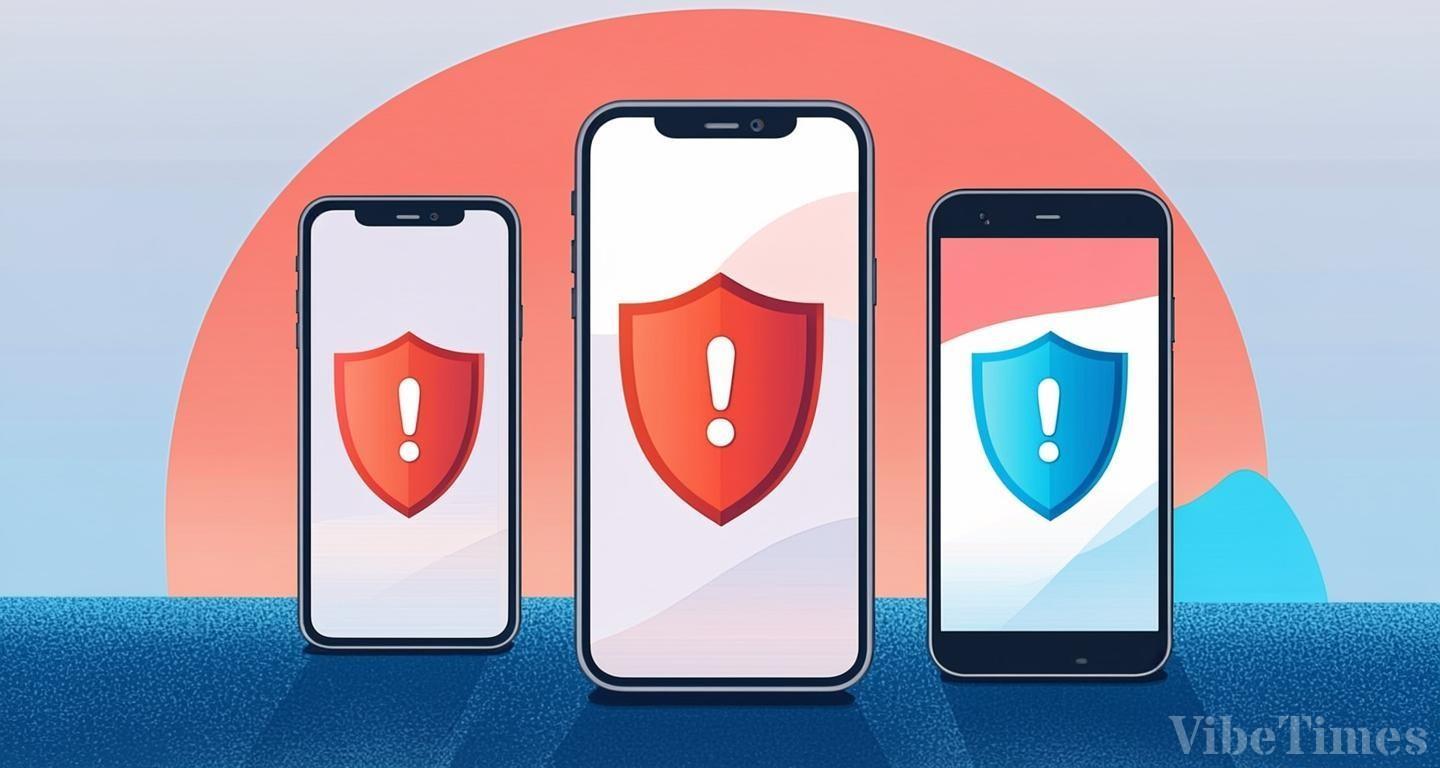
Scammers are increasingly manipulating victims directly. Apple, Google, and Samsung are urging users to review the scam protection settings built into their iPhone, Pixel, and Galaxy devices. In particular, Apple has added a new 'Impersonation Risk Detection' feature to its latest operating system, iOS 27, which spots signs that a user is being manipulated by a scammer inside third-party apps.
Existing security technology is strong at blocking malware and preventing unauthorized logins. The problem arises when the legitimate account owner, swayed by a scammer's persuasion, sends money or changes security information on their own. Impersonation Risk Detection was designed to counter exactly these kinds of social engineering tactics.
When a user performs a sensitive action—such as making a payment or changing a password—in a supported third-party app, the app asks Apple to assess the risk, and Apple returns a result at one of three levels: 'Unknown,' 'Medium,' or 'High.' The app can then require identity verification, delay the action, or display a warning.
The feature even examines whether screen sharing is active and how frequently calls occur. According to Fox News reporter Kurt Knutsson of the CyberGuy Report, the feature analyzes signals reflecting device usage patterns. It combines how interactions occur, their timing and context, and basic sensor data with whether screen sharing is in use, the volume of recent calls and emails received, and Apple account information such as App Store downloads and purchase history. It looks for abnormal behavioral signs that someone is manipulating or pressuring the user.
There are limitations. The feature only works in third-party apps that support Apple's Impersonation Risk Detection. Apple also noted that even an 'Unknown' rating does not confirm that an action is safe.
Android users aren't exempt either. Google Pixels and Samsung Galaxy phones come with their own built-in scam protection features, some of which take a different approach to the problem. No matter which manufacturer's smartphone you use, it's wise to check these built-in scam protection settings yourself.