5 Tips to Prevent Instagram Account Lockdowns and Hacking

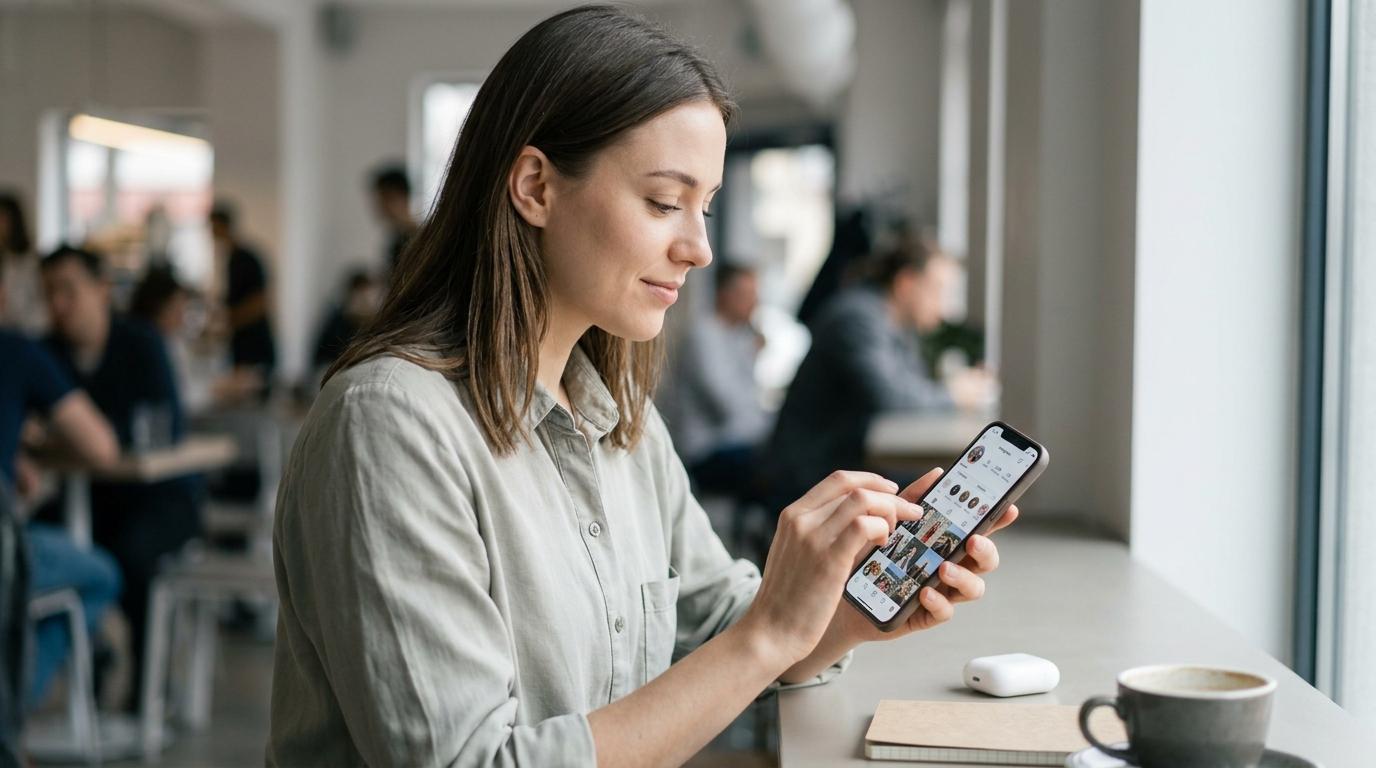
Recently, a trend of enhanced security has been noticeable across social media platforms, and Instagram is no exception. While these security measures are positive for protecting user accounts, they can sometimes lead to unexpected account lockouts or damage resulting from hacking attempts. This article analyzes the root causes of account lockouts and hacking issues users may encounter amidst Instagram's evolving security landscape, offering in-depth, practical guidelines for prevention and swift response in case of incidents.
1. Why Instagram Accounts Become Targets for Cyberattacks
As Instagram accounts become crucial assets for personal branding and business, their security importance has grown significantly. Beyond their past role as simple communication tools, Instagram accounts have established themselves as vital platforms for personal influence, professional presence, and business activities. Followers, content, and message histories painstakingly built over years are recognized as irreplaceable digital assets, making compromised accounts highly valuable targets for hackers seeking substantial financial or informational gains. Because these accounts are directly linked to personal reputation and business success, they demand even more rigorous protection.
Furthermore, there's a risk of personal information leakage and exploitation in secondary crimes. Hacking an Instagram account goes beyond losing posts. If personal information such as names, contact details, or email addresses exposed on a profile is leaked, it can be exploited for various secondary crimes like phishing scams, spamming, and identity theft. Moreover, hackers can leverage compromised accounts to spread malicious links or attempt financial fraud against friends and acquaintances, expanding the scope of damage by using them as tools for criminal activity.
The importance of account management is further emphasized amidst an increasingly stringent security environment. With global privacy regulations like GDPR and CCPA being strengthened and cybercrime rising worldwide, social media platforms, including Instagram, are continuously updating their security systems to protect user accounts. While these enhanced security measures contribute to protecting legitimate users, careless account management or suspicious activity by users can, conversely, be misinterpreted by the system as abnormal behavior, leading to account lockouts.
2. Analysis of Account Lockout Causes and Major Hacking Methods
One common cause of Instagram account lockouts is repeated failed login attempts and abnormal access signals. Frequent incorrect password entries, attempts to log in simultaneously from multiple devices, or attempts to access from unfamiliar locations different from the usual login area can lead the Instagram system to mistake these for hacking attempts and temporarily lock the account. While this is a necessary measure to protect users, it also results in inconvenience for the user who cannot access their account. This situation can particularly arise while traveling abroad or using public Wi-Fi.
Violating terms of service or posting content that breaches policies is another major reason. Activities that violate Instagram's Community Guidelines and Terms of Service can lead to account sanctions and lockouts. Spam posts, content infringing copyright, inappropriate or hateful language, and impersonation can result in restricted or completely blocked account features if detected by the platform. Such actions are taken when a large number of reports are received or when violations are clearly detected by automated systems.
Caution is needed regarding false positives related to external app connections and profile information changes. When third-party apps or services linked to an Instagram account exhibit security vulnerabilities or abnormal behavior, the Instagram system may interpret this as a threat to account security and temporarily lock the account. Additionally, frequently changing profile information (email address, phone number, password, etc.) within a short period can trigger system false positives as part of enhanced security measures, potentially leading to account suspension.
Among hacking methods, information theft via phishing emails and SMS is particularly prevalent. Hackers send fake messages, disguised as official Instagram communications, that exploit user anxiety, such as "There's a problem with your account" or "Security verification is required." Attacks that trick users into entering login or personal information through these phishing emails or SMS messages are very common. The problem lies in how easily users can be deceived due to their similarity to official notifications.
Encouraging clicks on malicious links and forcing the installation of malware are also frequent tactics. Through direct messages (DMs) or comments, users are enticed with phrases that pique curiosity or desires, such as "Event winner," "Shocking video," or "Free followers," encouraging clicks on malicious links. When a user clicks the link, they are directed to a malicious website to steal account information, or they are tricked into installing malware on their smartphone to steal personal data. This is a classic yet effective hacking method utilizing social engineering techniques.
It is crucial to identify abnormal signs that occur after account information is compromised. Suspicious signs of hacking can manifest in various ways. These may include posts or stories uploaded without your knowledge, a sudden increase in unknown followers, strange messages sent via DM, account information (profile, email, phone number) being changed without your consent, or repeated failed login attempts. Early detection of these signs and prompt action are critical to preventing the spread of damage.
3. 5 Essential Prevention Tips to Minimize Damage
First and foremost, it is necessary to set strong, unique passwords and change them periodically. The most basic security measure is to use strong, unpredictable passwords. It is essential to set complex passwords (combining uppercase and lowercase letters, numbers, and special characters, at least 12 characters long) that are not used on other services, and to change them regularly. Password management apps can help securely store and manage complex passwords.
Enabling two-factor authentication (2FA) is mandatory. Two-factor authentication, which requires an additional verification step via mobile text message or an authentication app besides the password during login, is a method that dramatically strengthens account security. Even if a password is leaked, the account cannot be accessed without additional authentication, so you should immediately enable 'Two-factor authentication' in the 'Security' section of your Instagram settings. This is one of the most powerful defenses against hacking attempts.
Avoiding clicks on suspicious links and blocking connections with apps from unverified sources are also important tips. Be cautious and never click on links received via messengers, emails, or SMS that are of unknown or suspicious origin. Such links can lead to malicious websites or install malware. Additionally, for account security, it is recommended to regularly review the list of external apps linked to your Instagram and immediately disconnect any apps you no longer use or do not trust.
Practice minimizing personal information exposure and changing profile information cautiously. Ensure that the email address and phone number used for account recovery are securely managed and belong to you. Furthermore, avoid repeatedly changing profile information (email, phone number, password) within a short period, as this can trigger false positives in the security system. Changing information only when absolutely necessary and with caution helps maintain account stability.
Finally, make it a habit to check information through official channels and utilize the reporting system. Important notifications regarding Instagram or account security should only be confirmed through official notifications within the Instagram app or the official website (instagram.com domain). If you discover suspicious activity or hacking attempts, it is important to immediately report it to Instagram customer support to request assistance. The platform can take response measures based on such reports.
4. Swift Response and Recovery Measures in Case of Account Incidents
Familiarize yourself with the step-by-step recovery process for unlocking your account. If your account is locked and inaccessible, you should attempt recovery by selecting 'Forgot password?' or 'Get help' on the Instagram login screen and following the prompts. This process involves verification via your email or phone number and identity confirmation steps. If two-factor authentication is enabled, you must proceed with recovery using your registered 2FA information (authentication app, backup codes, etc.).
In the event of an actual hacking incident, follow account protection and reporting procedures. Immediately upon suspecting your account has been hacked, the first step is to change your password and reconfirm or reset your 2FA settings. If you have completely lost access to your account, you must report the detailed situation to Instagram customer support via options like 'My account was hacked' and proceed with a request for account recovery. Be cautious and never respond to additional suspicious requests during the recovery process.
Do not forget to notify your contacts to prevent damage spread and secure evidence. Malicious messages or links may be sent to friends and followers from a hacked account. Therefore, as soon as you realize the situation, informing your acquaintances that your account has been hacked is crucial for preventing damage spread. Furthermore, thoroughly securing all evidence related to the hacking incident (screenshots of suspicious messages, abnormal login records, changed account information, etc.) can be useful during official reporting or recovery processes later on.

쿠팡 파트너스 활동의 일환으로 일정 수수료를 제공받습니다